How NoKapp works
Your bank already tells you about every purchase. NoKapp reads the alerts you choose and turns them into one honest figure.
Choose what NoKapp can see
On iPhone you forward the bank texts you pick, from senders you allow. On Android NoKapp reads notifications only from the bank apps you choose. It never asks for your bank login, card number or PIN.
Review before it counts
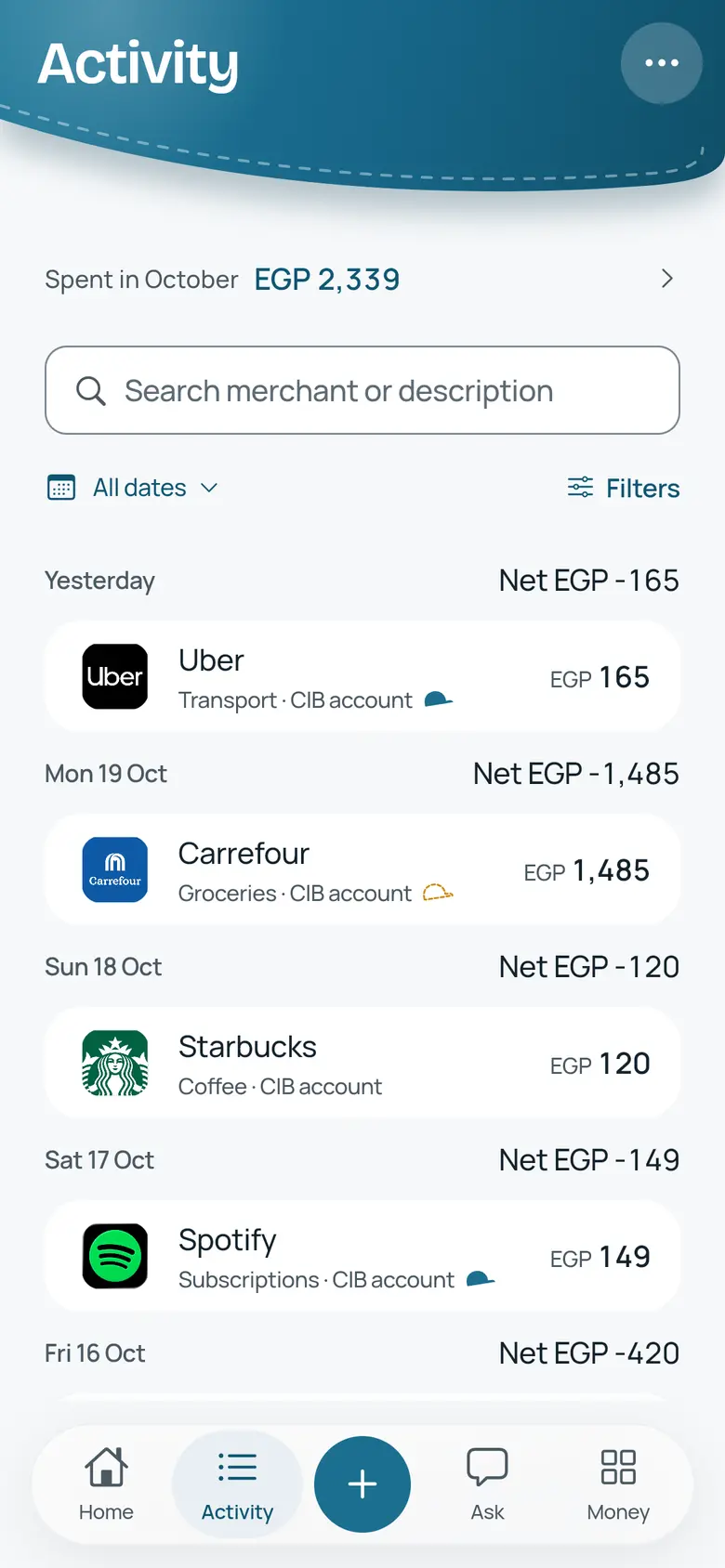
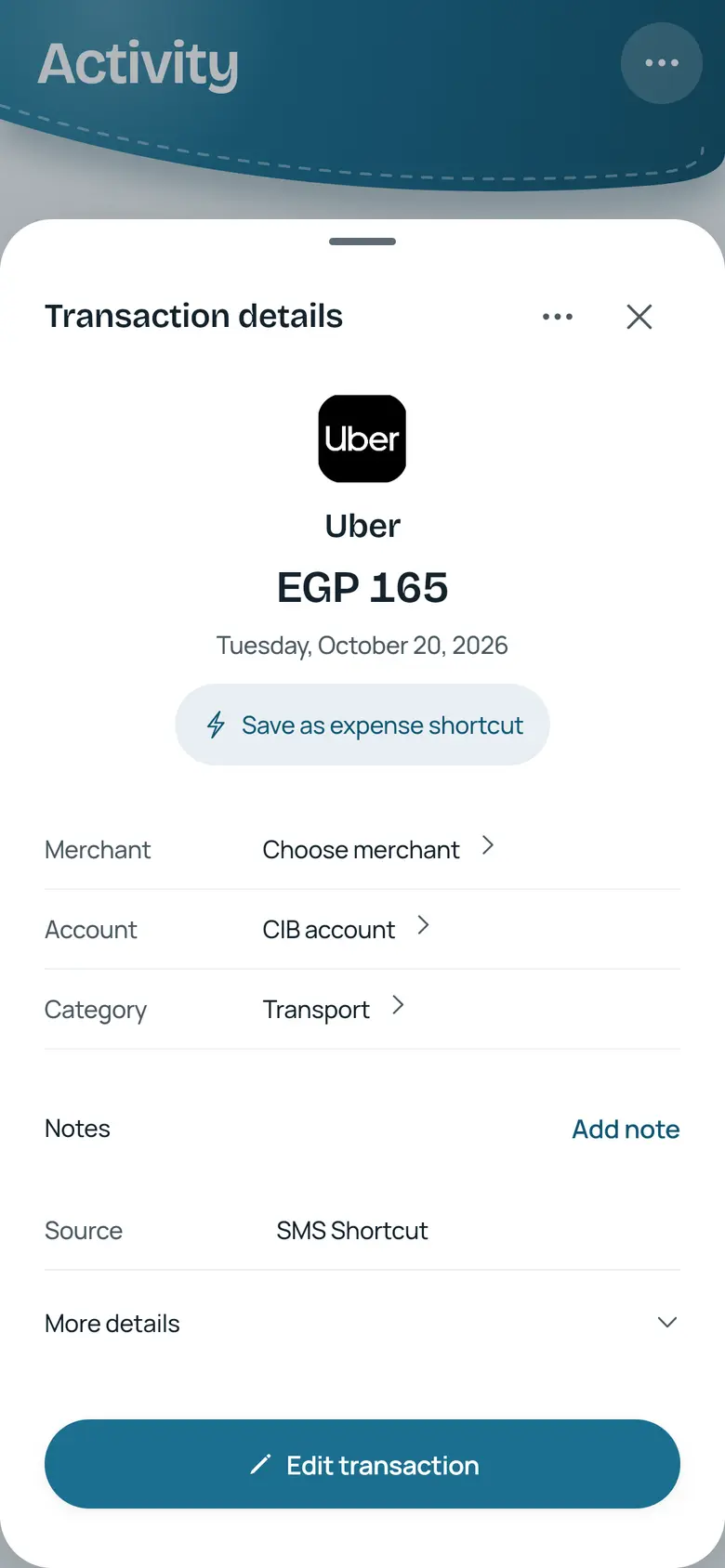
Each new purchase lands in your inbox. Swipe to approve or dismiss, and undo a dismissal for a few seconds. Anything NoKapp does not recognise waits for you.
See what is safe to spend
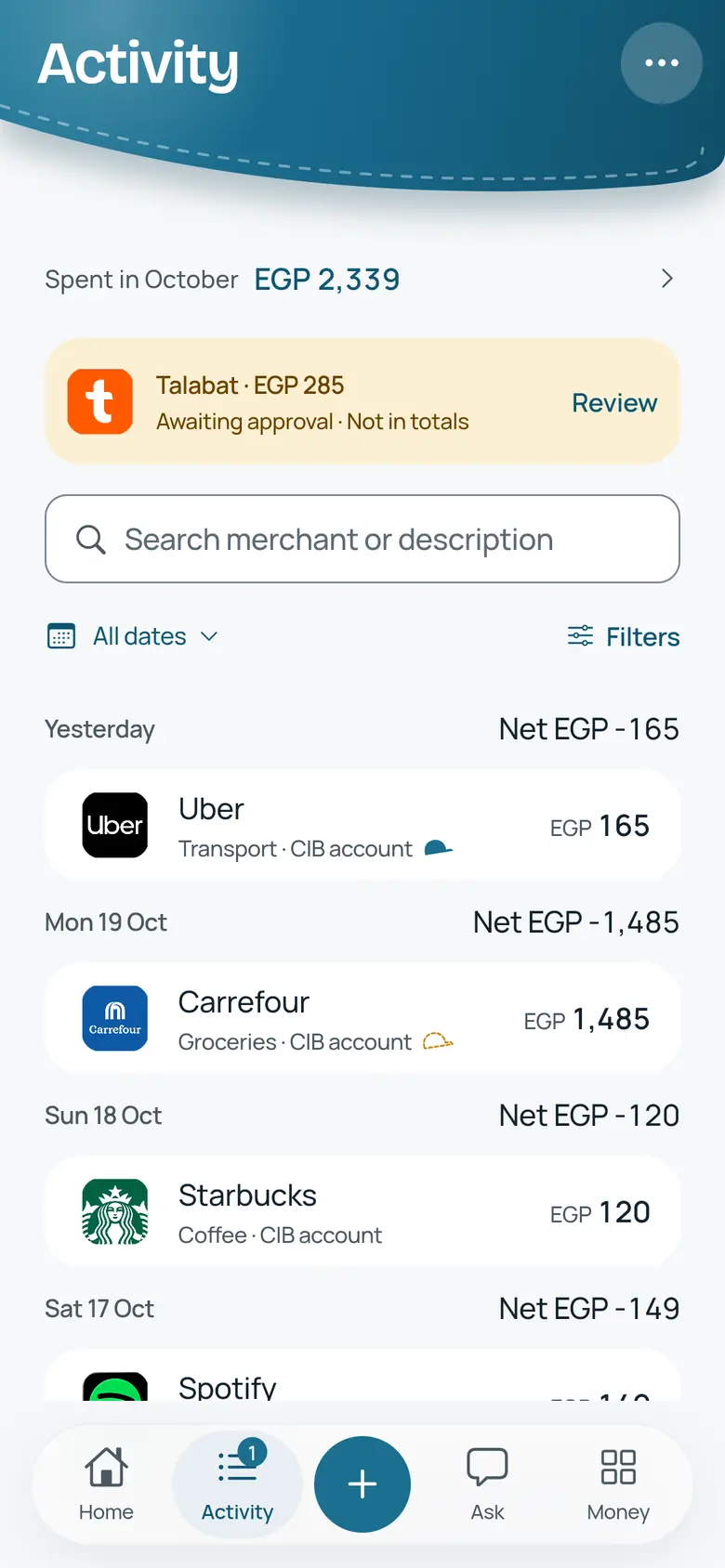
Approved purchases update one figure for the month or your pay cycle. Tap it any time to see exactly how it was calculated.
Know what is counted and what is a guess
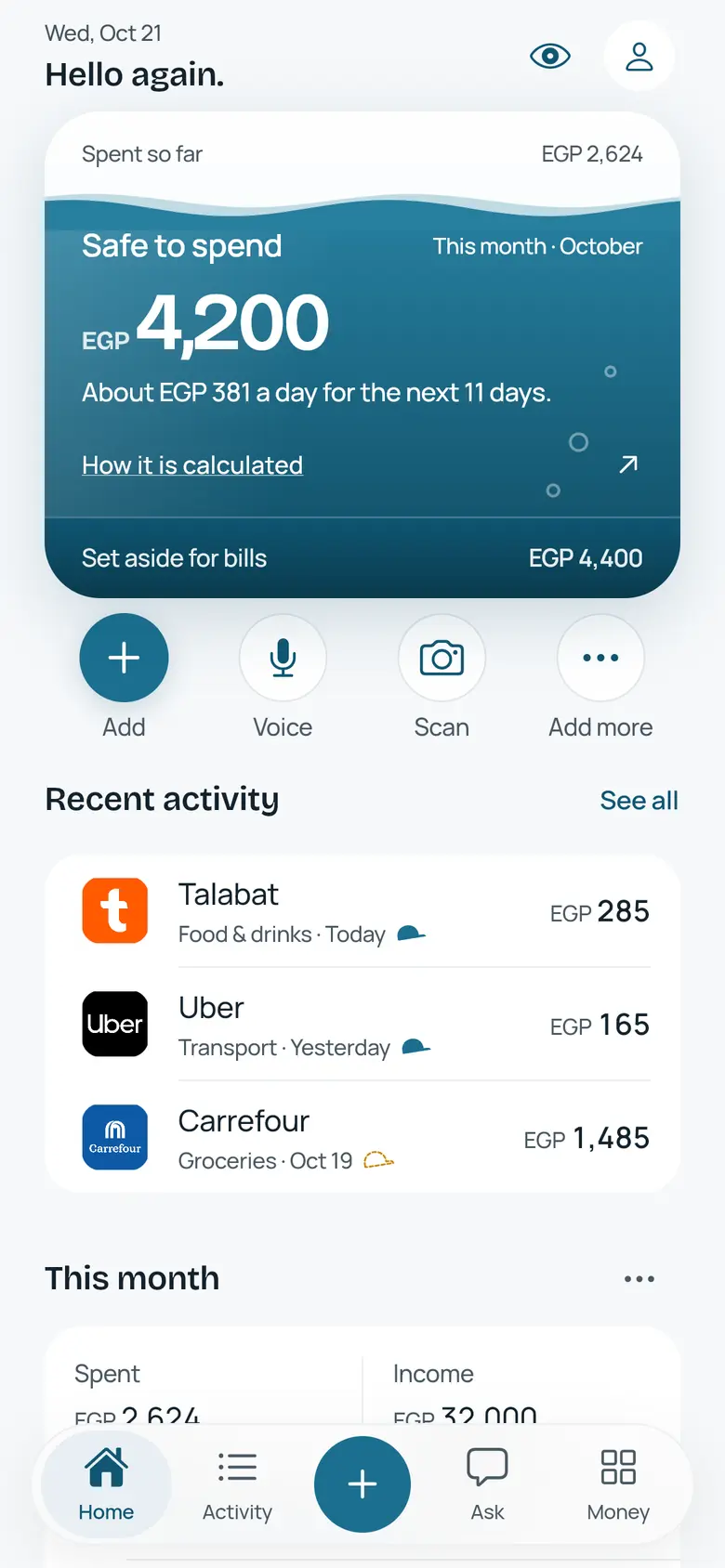
A solid cap marks a figure read from your bank text. A dashed cap marks a category NoKapp is unsure of, until you check it. Nothing is hidden behind a smooth number.
Ask, in plain words
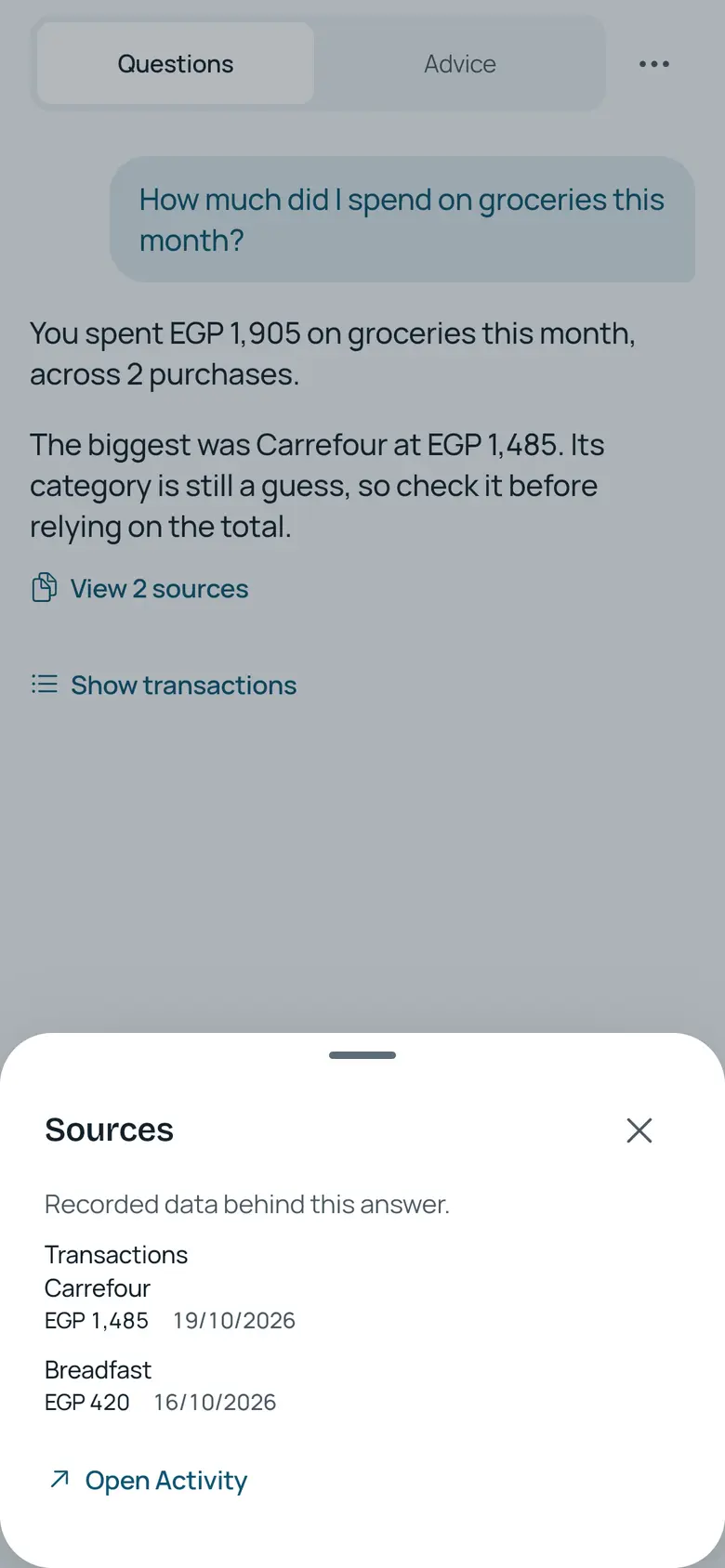
Ask about your spending and get an answer with the transactions behind it, so you can check the maths yourself.